
Take the picture. Balise does the rest.
It remembers every outfit, trip and meal and answers when you ask, in Claude and ChatGPT too if you connect them. It turns a night into a post you share. An iPhone app. You tap Post.
-
what did i wear with the green sweater

The plaid pleated skirt LooksGreen knit sweaterPlaid pleated skirtMore on looks →
-
make an X post from friday night
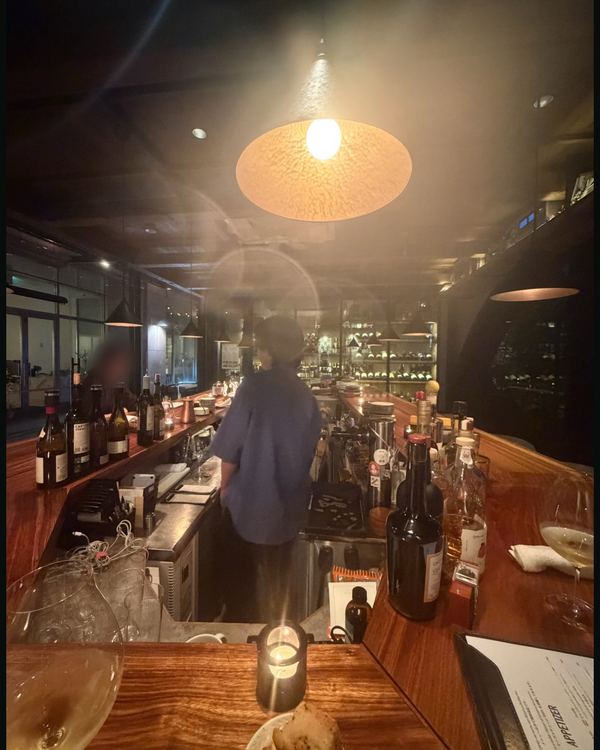
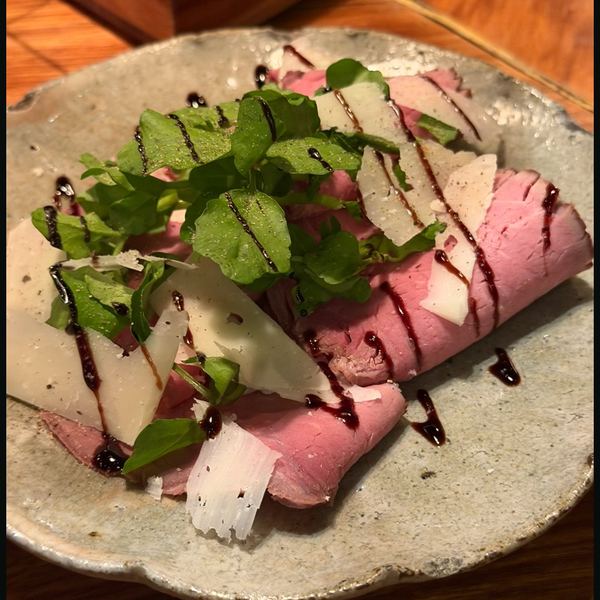
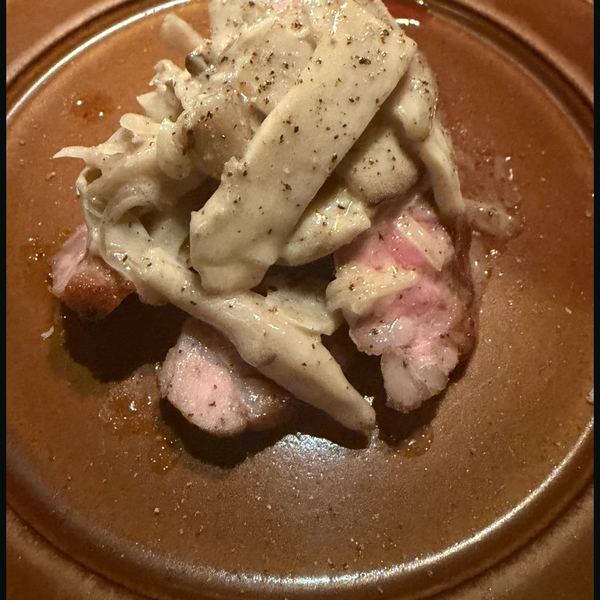
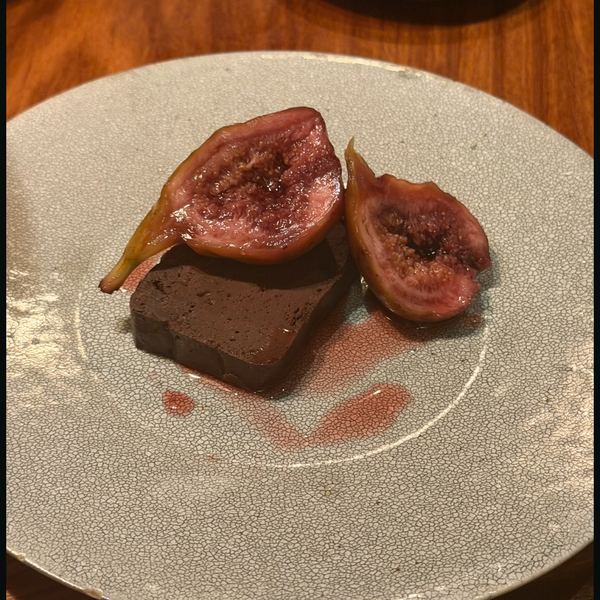
X post · draftFriday night at the counter. The last plate: figs in red wine. DraftYou tap PostMore on posting →
-
kyoto trip w the cherry blossoms, when?
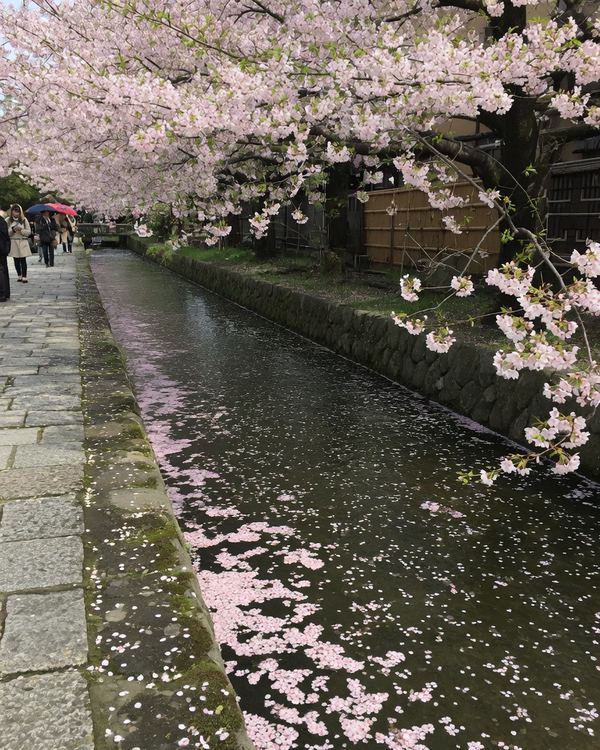
Kyoto, four days That tripCherry blossomsCanalTell that trip →
-
ramen w the soft egg, shibuya?
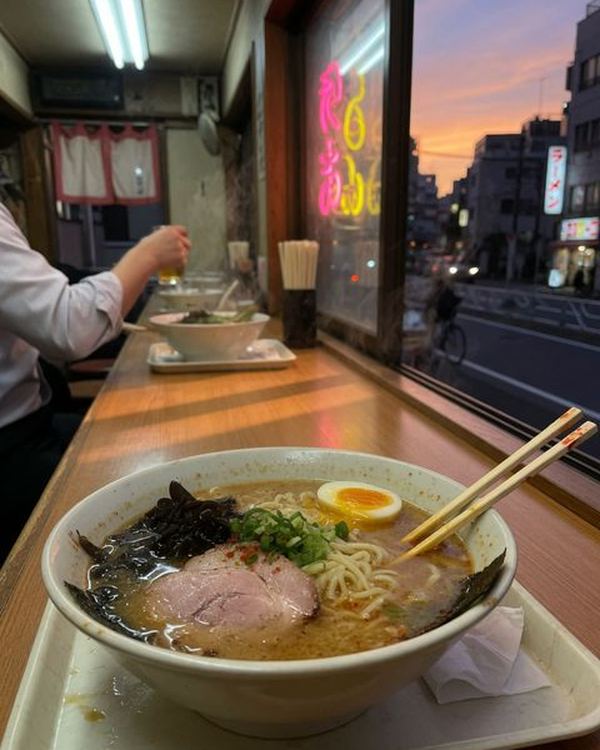
Shibuya, Tokyo FoodRamenSoft-boiled eggMore on food →
-
the 2002 chambertin, which one was it
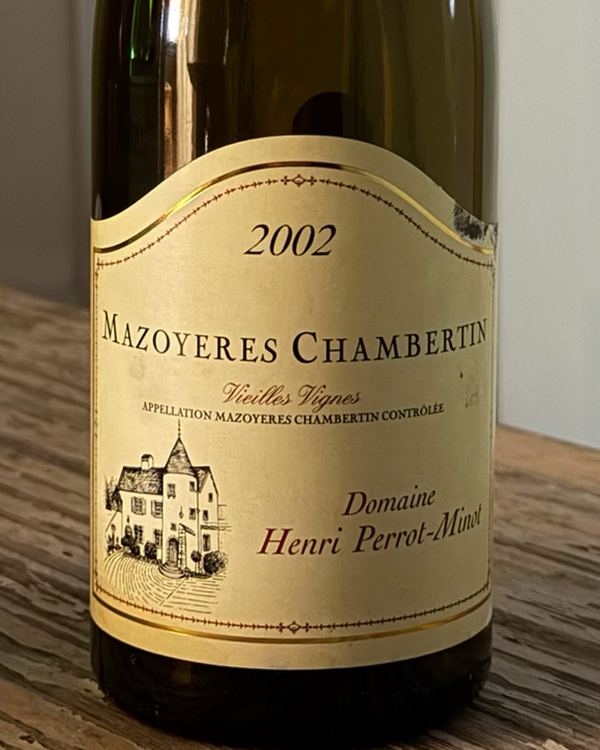
Mazoyeres Chambertin 2002 WineDomaine Henri Perrot-MinotVieilles VignesMore on wine →
-
red dress, when did i try it on?
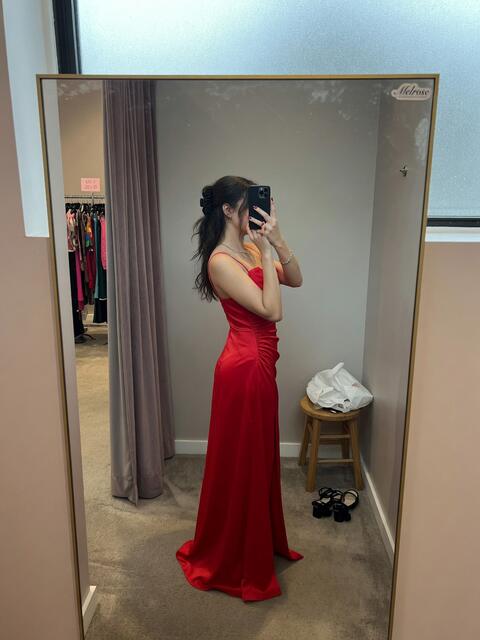
29 Mar 2025 LooksRed maxi dressMore on looks →
-
where’d i get that slice w basil
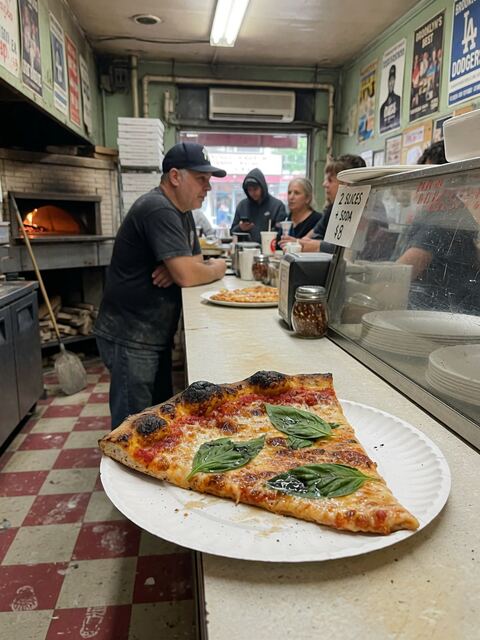
Crown Heights, Brooklyn FoodPizza sliceFresh basilMore on food →
-
my dive watch on the ferry, where was that
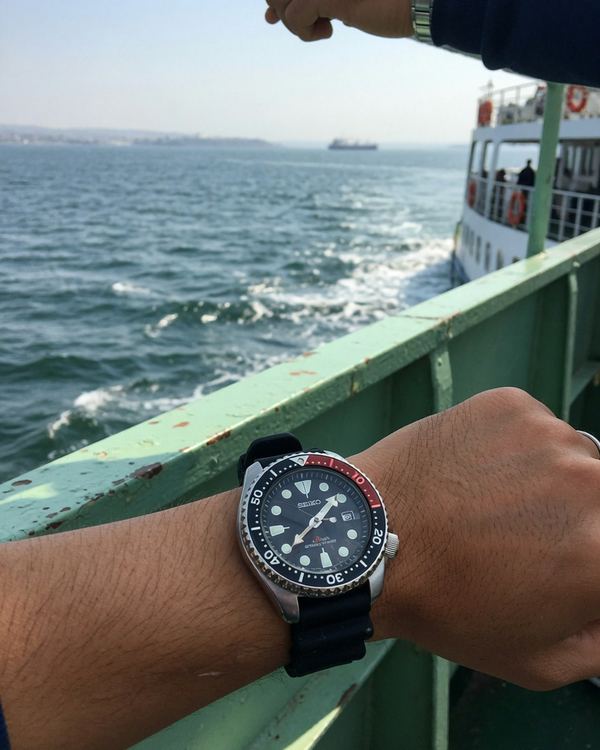
Naoshima WatchesSteel dive watchFerryMore on collections →
-
little yellow-green train by the sea??

Kamakura, a weekend TravelTrainSeaMore on travel →
Then it keeps going.
-
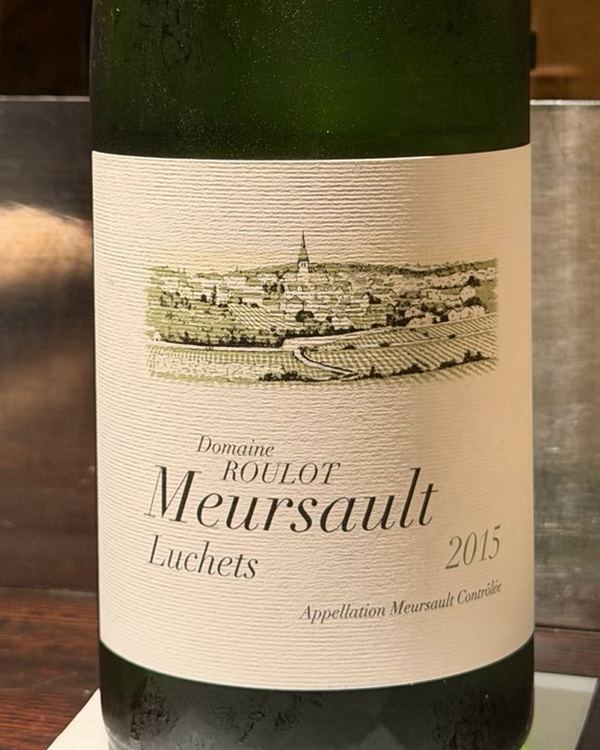
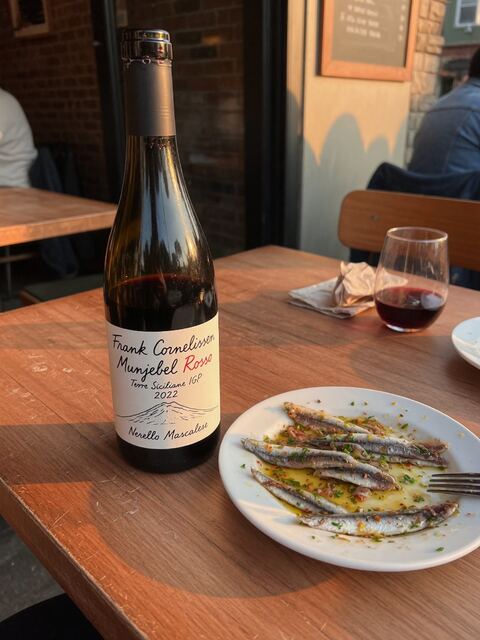 Wine
Wine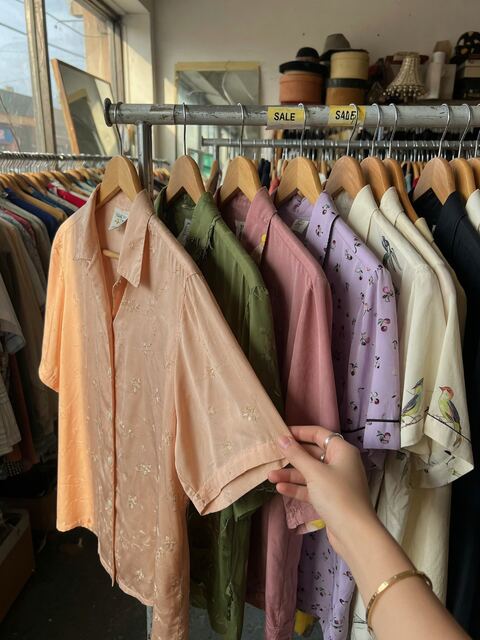 Looks
Looks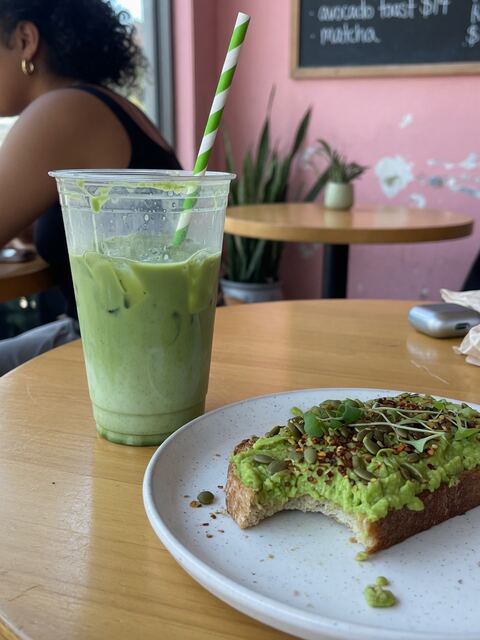 FoodPlaces
SortedYour wine, looks, food and places, shelved on their own. You never tag a thing.
-
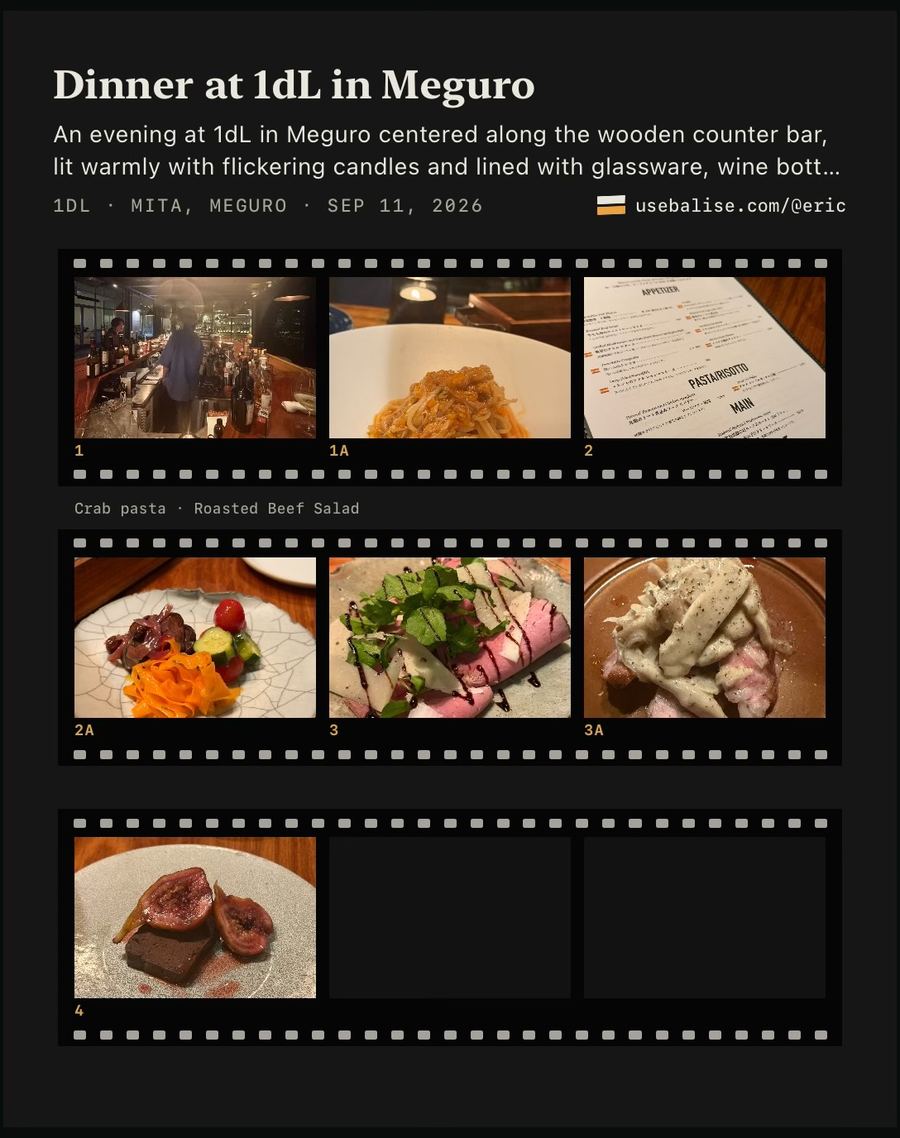
ToldA night becomes a Story worth sending: your photos, your words, on Instagram, X or one link.Eric’s dinner in Tokyo, on his iPhone. He built Balise.
Open a real one →How Stories work → -
Claude · with Balise
What was that wine bar in Meguro?
1dL, a wine bar in Mita, MeguroYou photographed it on 11 September.
KnownClaude and ChatGPT finally know what you mean. Pictures only when you say so.
Your AI with Balise →
Your photos already know.
Ask them.

Free on iPhone. You pick the photos.
Invite friends: 500 more photos for each one who joins and brings in their first 1,000, up to ten.
For iPhone · iOS 26 or later
 On a computer? Scan with your iPhone.